Sensory Overload Motion Sickness Tips
Stay in the tunnel longer without wrecking your evening.
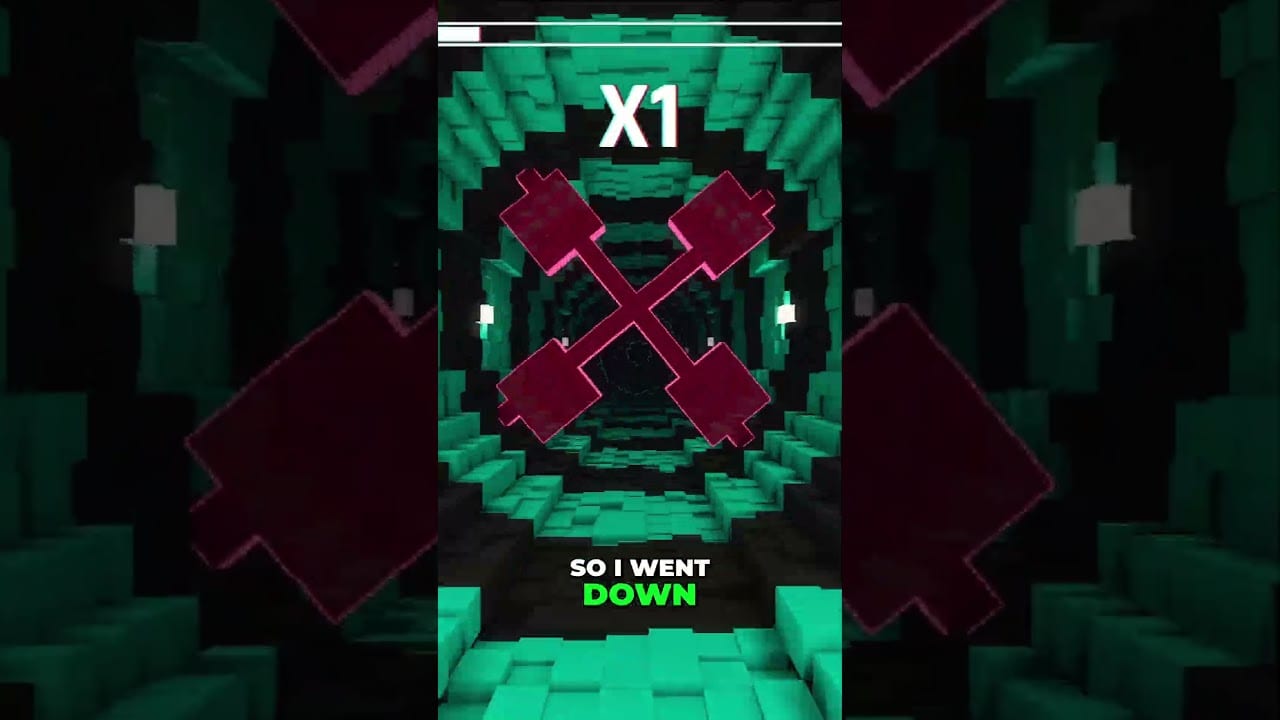
Motion sickness is not a skill issue in Sensory Overload — it is often the intended conflict between what your eyes see and what your inner ear feels. Twisting tunnels, breathing walls, and palette strobes can nauseate players who otherwise crush precision games. This guide focuses on keeping you playing, not shaming you for pausing.
If you are brand new, finish Getting Started first. If controls still feel fuzzy, skim How to Play. Then treat comfort as a first-class system beside movement.
Also open Accessibility Settings for speed-line removal, thicker obstacle outlines, and crosshair tools already shipped in the demo patches — then confirm chronology on Patch Notes.
Why this game hits harder than Geometry Dash
Geometry Dash stresses timing with relatively stable camera logic. Sensory Overload adds continuous environmental motion that suggests your body is rotating or surging when you are sitting still. That sensory mismatch triggers sweating, yawning, cold flashes, or full nausea. Ranked Mode compresses the timeline by enabling stacked effects earlier, so comfort mistakes punish faster. Compare modes on the Modes Hub.
Immediate interventions
- Shorten sessions. Fifteen minutes on, five minutes off beats a forty-minute crash.
- Light the room. A bright, stable room reduces conflict versus playing in a dark cave.
- Sit back. Keep your head relatively still; let eyes work. Hunched forward play worsens spin.
- Lower volume. Loud music plus visual chaos stacks overload. Moderate audio still preserves rhythm cues.
- Hydrate and avoid fatigue. Tired players adapt slower and quit sooner.
- Try monocular viewing. Closing one eye reduces binocular conflict on strobe-heavy segments. Alternate eyes between runs to limit strain.
- Use peripheral focus. Center staring intensifies tunnel rotation. Edge tracking is both a skill and a comfort tool.
Software and hardware comfort levers
- Cap framerate to a stable number your machine holds. A fluctuating 40–70 FPS can feel sicker than a locked 60.
- Disable extra overlays that add HUD sparkle during chaos.
- Prefer a larger screen at slightly greater distance over a tiny monitor inches from your face.
- On Steam Deck, follow Steam Deck tips for TDP and refresh choices that keep motion smooth.
- Verify you meet System Requirements so hitching is not inventing extra stutter-sickness.
Walk the full pre-flight list on the Comfort Checklist.
Training adaptation without forcing it
Adaptation is real for many players across three to five short sessions, but it is not guaranteed and it is not a medical claim. Treat the developer’s viral shorts about ADHD lock-in or pilot-style screening as conversation starters, not diagnoses. The mid-article video on this page is a real Pancak3s clip discussing how some brains “quiet down” under intense stimulus — useful context, not a treatment plan.
Adaptation protocol:
- Day A: three five-minute Vertigo exposures with mandatory breaks.
- Day B: add Nausea color shifts only if Day A left you stable.
- Day C: Peristalsis breathing walls with deliberate breath matching.
- Any spike in nausea: stop. Switch to reading Levels strategy text or Demo Walkthrough theory instead of forcing reps.
When to choose Zen or stop
Zen Mode removes score pressure so you can rehearse reading without leaderboard adrenaline. Use it as a comfort classroom. If symptoms persist across days — migraine aura, vomiting, lasting vertigo — stop playing and consider consulting a professional. A fan wiki cannot replace medical advice.
Competitive players still need comfort
Ranked grinders sometimes skip breaks and then blame “RNG walls” for deaths that were actually fatigue. Build comfort into the climb: see Ranked Mode phase planning and schedule water breaks between pushes. Survival past sixty seconds is already a mental endurance test; arriving nauseated is self-sabotage.
Accessibility mindset for a maximalist aesthetic
Sensory Overload markets audiovisual assault. That does not mean every player must tolerate maximum assault on day one. Your legitimate strategies include shorter sessions, monocular play, Zen rehearsal, and waiting for launch patches that may add more comfort toggles. Track patch notes on Updates after August 20, 2026.
Comfort is part of mastery. The players who last are often the players who recover well between attempts, not the ones who ignore their vestibular system until they hate the genre.
Household setup experiments worth trying
Try seating farther from a monitor, then compare with Deck on a table instead of under your nose. Try a slightly lower in-game brightness if the build allows, while keeping room lights bright. Try earbud volume lower than your habitual music-game loudness. Each experiment should last three short runs with notes, not one miserable marathon.
If a family member walks in and asks why you look pale, that is a stop signal, not a joke to push through. Social embarrassment is cheaper than teaching your body that this hobby equals sickness.
Frequently Asked Questions
Quick answers for demo and launch questions.
Is dizziness normal in Sensory Overload?
Yes for many players. The game intentionally creates sensory conflict. Use short sessions and comfort habits before grinding.
Does closing one eye actually help?
Many players report less conflict on strobe-heavy sections. Alternate eyes and stop if strain appears.
Can the game diagnose ADHD?
No. Developer videos discuss community anecdotes. Seek professional evaluation for health questions.